
Why it matters
You stop turning away work you could do
When someone rings for a 6-yard on Friday, the answer shouldn't depend on whether the person who knows the yard is in. If there are skips available, you can see it.
Overdue skips get chased
A skip that should have come back a fortnight ago is a skip you're not earning from and can't hire out. The ones that have overrun are visible instead of being discovered by accident.
You know what you actually own
Not "about a hundred and thirty". The number, and where each one is.
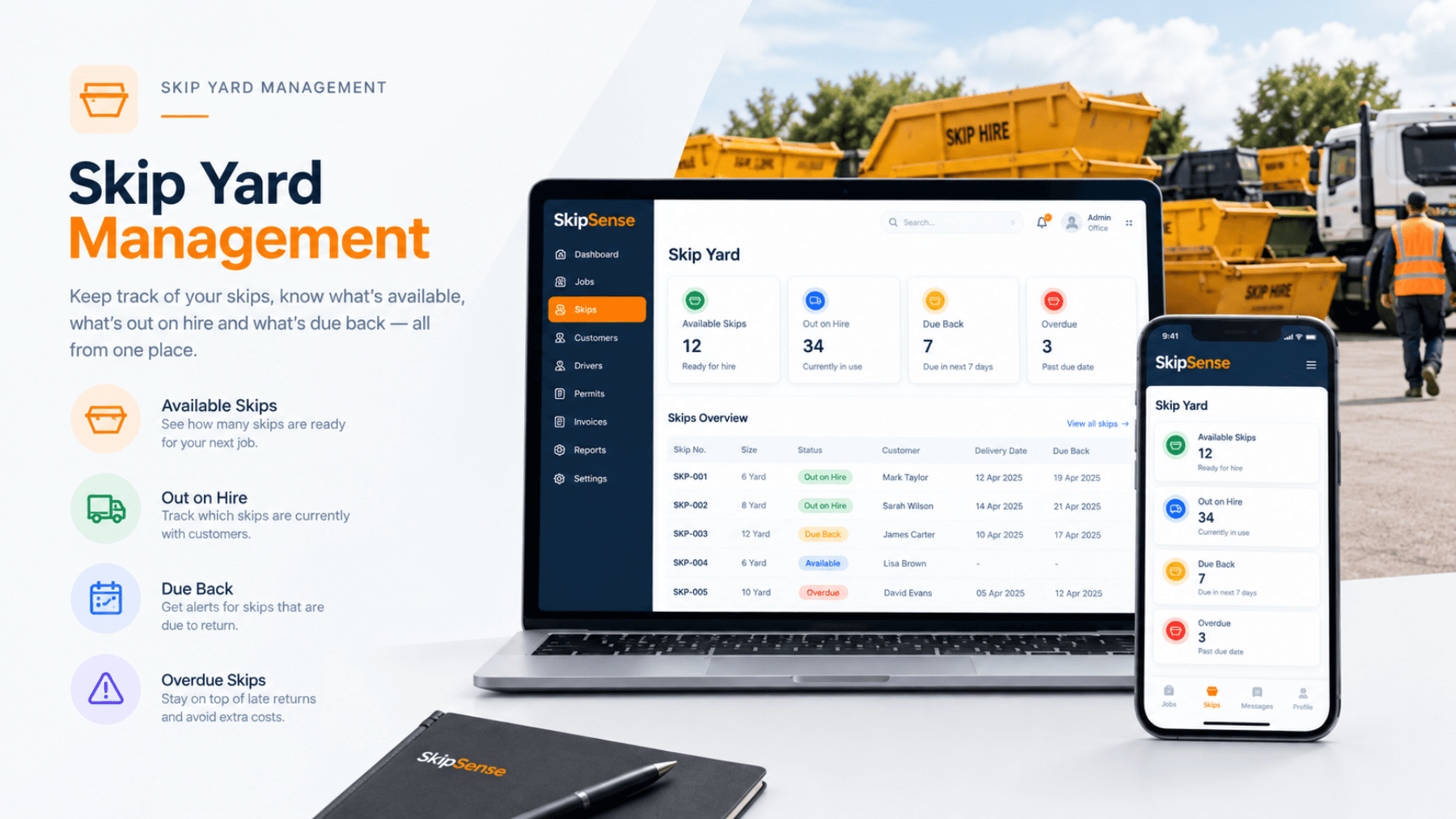
Your yard, in four numbers
| Status | What it means |
|---|---|
| At yard | Available to hire out today |
| On hire | Out with customers, within their hire period |
| Due collection | Past the agreed collection date — the ones to chase |
| Maintenance | Out of service, being repaired |
Those four numbers answer most of the questions a skip office gets asked in a day.
How it works
1. Tell it what you own
Add your skips once — size, reference, and any identifying marks. This is the setup step, and for most firms it's an hour with a clipboard.
2. Status follows the jobs
When a driver delivers, that skip moves to on hire. When it's collected, it comes back to the yard. You're not updating a spreadsheet — the movement is the update.
3. Overdue ones surface themselves
Skips past their collection date show up as due collection rather than sitting quietly on someone's drive.
4. Book against what's actually available
When you're taking a booking, you can see what's free rather than guessing.
Related features
- Bookings & dispatch — booking against real availability
- Driver dashboard — where the status changes come from
- Invoicing & Reports — the booking and payment record for each hire
Common questions
Do I need trackers or tags on the skips?
No. Status follows the jobs — when a driver delivers or collects, the skip moves. There's no hardware to buy or fit.
How long does it take to add my skips?
Setting up your skip sizes and prices in SkipSense is quick and straightforward. Simply add the skip sizes your company offers, set your hire prices, and you're ready to start managing bookings.
What about skips that get damaged?
Mark them as maintenance so they don't get booked out, and bring them back when they're repaired.
Can I see which customer has a particular skip?
Yes — a skip on hire is linked to the job it went out on, so you can see who has it and when it was due back.
Does it handle different skip sizes?
Yes — you add each skip with its size, so availability is by size rather than a single total.